
How to Share Photos at Your Wedding With All Guests (No App Needed)
Your photographer has the first dance, the ceremony, the posed portraits. What they don't have: your aunt laughing so hard she's crying at the speech, your college friends attempting the macarena at 1am, the flower girl asleep under the gift table.
Those moments live on your guests' phones. Most will never make it to you.
This guide covers the practical options for collecting and sharing wedding photos from every guest — and how to set up the one that actually gets used.

This one catches couples off guard every time. Plan it early — day-of is too late.
The problem with "send me your photos later"
Couples ask guests to share photos all the time. The results are always the same: a handful of photos trickle in over the following weeks, mostly from close family. The rest sit in camera rolls until the next phone upgrade deletes them.
This isn't because guests don't want to share. It's because they don't have a clear, easy way to do it. "Text me your photos" means someone has to remember, find the photos, and decide who to send them to. It rarely happens.
The solution isn't asking harder. It's removing the friction.

The setup is genuinely fast. I've seen organizers do it during the rehearsal dinner.
Option 1: A shared QR code album (recommended)
Set up a shared album before the wedding, print the QR code on table cards, and let guests contribute during the day without any coordination from you.
How it works with Calisto:
- Create an event (name, date, plan) — takes about 90 seconds
- Download and print the QR code
- Put the QR code on every table, at the bar, at the entrance
- Guests scan it with their phone camera, upload directly from the browser
- Every photo appears live in the shared gallery
No app download. No account creation. Guests scan and upload in under 30 seconds.
Best for: Any wedding where guests have a mix of phone types, ages, or tech comfort levels.
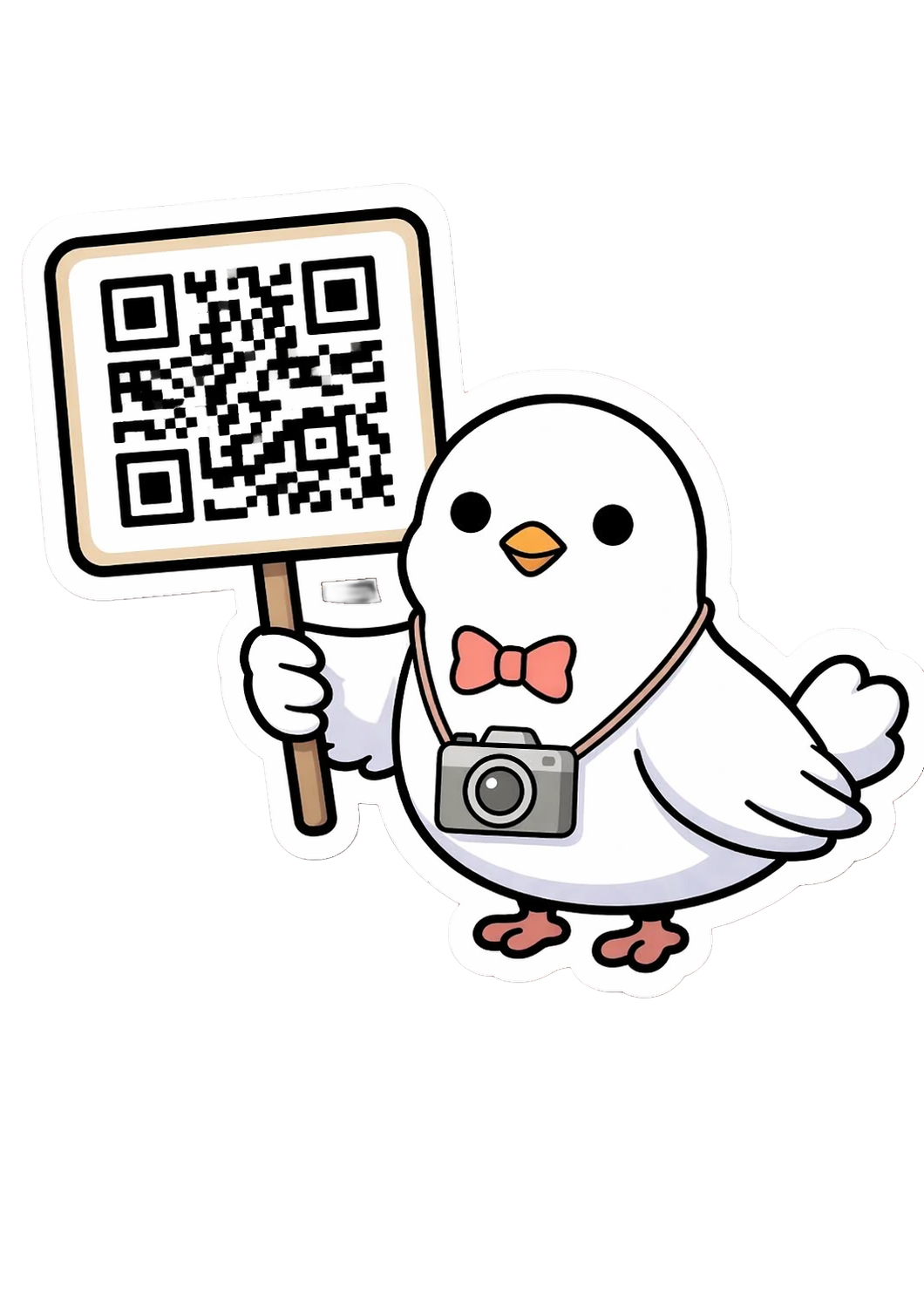
QR codes on tables are the single best way to get mass participation without asking anyone twice.
Option 2: Google Photos shared album
Create a shared album and send the link to guests before the wedding. Guests with a Google account can add photos.
Setup: About 5 minutes. Share the link in your wedding group chat or include it in day-of communications.
The limitation: Guests need a Google account to add photos. For mixed-age groups or guests who use Apple devices, this creates friction. Expect fewer contributions than a QR-based approach.
Best for: Smaller weddings (under 30 guests) where you know most people have Google accounts.

Everyone at your wedding has a phone. The question is whether they have a reason to use it.
Option 3: A WhatsApp or iMessage group
Create a group before the wedding and ask guests to drop photos in during the day.
The reality: This works reasonably well for 10–20 people. For 80+ guests, the group becomes unmanageable, photos are buried in conversation, quality is compressed, and downloading everything afterward requires saving photos one by one.
Best for: Very small weddings or as a supplement to another system.
One gallery, every angle of your day. That's the whole idea.
Step-by-step: setting up Calisto for your wedding day
Before the wedding: Create your event at calisto.app. Choose your plan based on expected guest count and whether you want video uploads. Download your QR code.
1–2 weeks out: Print QR table cards. Most print shops can do this for under 10€. Include one line of text: "Scan to add your photos to our album."
Day of: Put a card on every table, at the bar, and near the photo booth if you have one. Mention it briefly in the MC announcement ("there's a QR code on your table if you want to share photos with us").
During the reception: Watch the gallery fill up in real time. Guests see each other's photos appear immediately, which encourages more uploads.
After the wedding: Download the full gallery as a ZIP from your organizer dashboard. Do this before your plan's retention window closes.

Timing matters here. Set it up before the day, not during it.
Tips for getting guests to actually contribute
Put QR codes everywhere, not just tables. The bar, the bathroom mirrors, the photo booth, the entrance. Each new location catches guests at a different moment.
Mention it once during the event. Ask the MC or a family member to say "there's a QR code on every table for photos" at the start of the evening. One mention is enough. Guests don't need reminders — they need the code to be visible when they think of it.
Include it in your wedding program. Couples who print programs can add a small QR code with the caption "Share your photos with us." It takes 30 seconds to add and reaches every guest.
Don't set a deadline. The most popular Calisto plans give guests several days after the event to continue uploading. People often find their best photos the next morning while scrolling through their camera roll.

The couples who get the most photos are the ones who made contributing feel effortless.
FAQ
Do guests need to create an account to add photos?
No. With Calisto, guests scan the QR code or open the link and upload directly from their browser. No account, no email address, no app download required.
What if a guest uploads something I don't want in the gallery?
You can delete any photo or video from the gallery at any time from your organizer dashboard. You're always in control of what stays.
How many photos can guests upload?
It depends on your plan. The free plan includes 20 photos and 5 guests. Paid plans range from 150 photos / 30 guests (Standard, 15€) up to unlimited photos and guests (Max, 90€). All plans are priced per event, not per month.
When should I set this up?
At least a week before the wedding, so you have time to print QR cards. Setting it up the day before works too, but you'll need same-day printing or to share the link digitally instead of on cards.
Can guests download photos from the gallery?
Guests can browse and view all photos in the gallery. The full ZIP download is available to the primary organizer. Guests who want specific photos can screenshot from the gallery or ask you to share them after the event.